Boost Your Productivity Anytime, Anywhere with Power Platform's Mobile Solutions
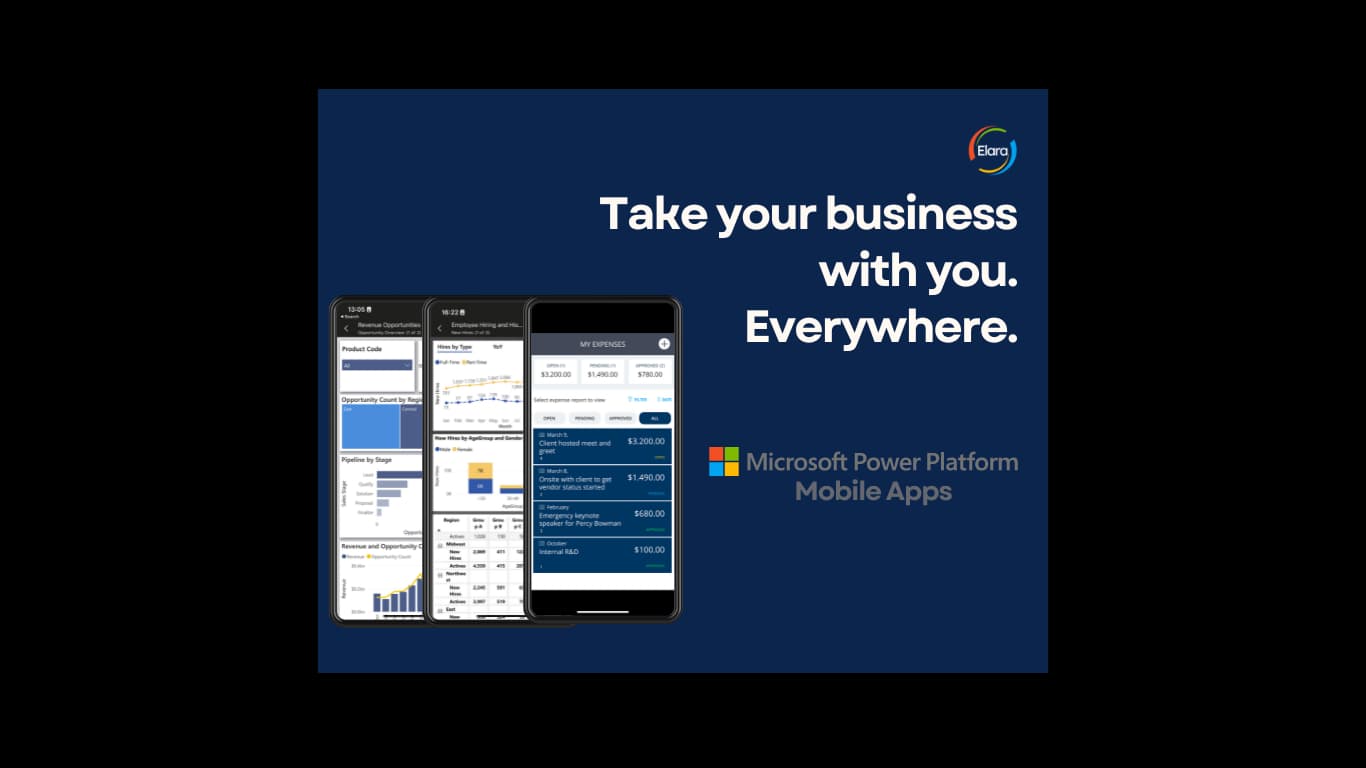
Let's face it: in today's world there is no need to spend every precious hour in front of a computer when you can do a great deal from your phone. With the Power Platform's collection of mobile apps, free to download from your app store, you can supplement your desktop applications with your mobile device. Below we cover the best mobile-friendly features of each app.
Power BI
The newest entry to the mobile roster. You can build reports in the Power BI web service or Power BI Desktop with a dedicated mobile layout for use in the app. Inside the app you can receive alerts on key metrics, use QR-code scanning for quick insights, and collaborate with teammates directly on a report.
- Metrics tab & scorecards, see real-time progress toward a goal and every metric assigned to you across reports.
- Alerts, get notified on your device when a key metric changes.
- QR-code insights, scan a code to jump straight to the relevant report.
- Collaboration, comment and discuss directly on the report from your phone.
Power Automate
The Power Automate mobile app lets you trigger and monitor flows on the go. Approve requests, kick off automations with a button, and keep an eye on runs without opening a laptop, useful when an approval or exception cannot wait until you are back at your desk.
Power Apps
Power Apps run beautifully on mobile, which is exactly where many of them belong, in the field, on the floor, or in front of a customer. The mobile app uses your device's camera, location, and offline storage, so a field worker can capture data where the work actually happens and sync it back when connected.
Together, the mobile suite means the work no longer waits for the desk. If you want help designing reports and apps that are genuinely useful on a phone, that is exactly the kind of adoption-first build Elara delivers.