A Quick Guide to Power BI Reporting Integrations
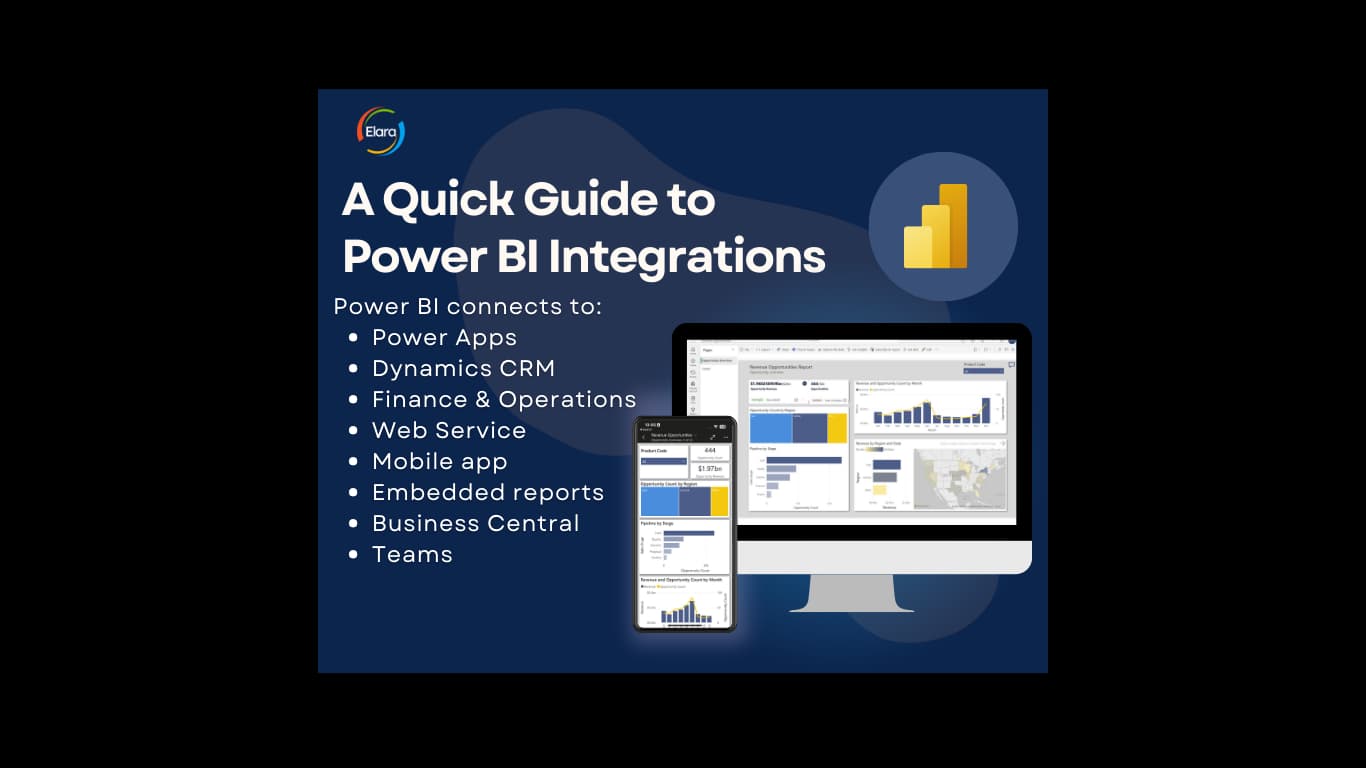
Having a large variety of software applications in your IT infrastructure can make reporting with Power BI difficult. Not only do you have trouble connecting them all to a single semantic model, it is also a challenge to give people one place to consume reports.
Consider a company whose marketing data lives in Mailchimp, Google Analytics, and LinkedIn; sales in Salesforce; and ERP in SAP. These systems are disconnected because they are owned by different vendors and need to be set up to talk to each other, and, most importantly, to talk to Power BI. Even once you have a reporting model, you still have to decide where end users actually see the reports.
Within the Power BI ecosystem
The most common option is to administer reports inside the Power BI service and Microsoft Fabric. This is where Power BI is used in its most innovative ways, workspaces, apps, and direct sharing. It is the path of least resistance for organizations already invested in Microsoft, and it keeps governance and security in one place.
- Advantages, tightest integration, best governance, the richest feature set.
- Disadvantages, users need access to the Power BI service, which may not suit every external audience.
Embedded in the tools people already use
You can embed Power BI reports inside SharePoint, Teams, Power Apps, and other Microsoft surfaces, so people see analytics where they already work. This drives adoption, the report meets users where they are instead of asking them to go somewhere new.
Custom development and Power BI Embedded
For customer-facing applications or external portals, Power BI Embedded lets you put reports inside your own software, branded and controlled by you. It takes more development effort but gives you full control of the experience, ideal when reporting is part of a product you ship.
These methods are not mutually exclusive. Most organizations use several at once. The right mix depends on who needs to see what, where they work, and how much control you need over the experience. If that decision feels murky, a short Fabric consultation with Elara will map it to your systems.